

A scraper works fine for an hour, then every request comes back 403. The proxy still reports as live. Nothing in the code changed.
That gap is where SOCKS5 proxies get confusing. The protocol moves TCP and UDP traffic at a lower layer than HTTP, so it adds no headers of its own and leaks less metadata. Providers know this, and the spec sheets blur together fast. Rotating pools, static ISP lines, per-GB bandwidth pricing, UDP support, authentication method. Each one shifts real throughput.
Marketers and scraping teams hit the ceiling at different points, and rarely for the reason expected.
The 8 best SOCKS5 proxies below were compared on the details that decide whether a session holds or dies.
How We Tested and Ranked These SOCKS5 Proxies
SOCKS5 is a connection standard, not a network. Two providers can both advertise SOCKS5 support and behave nothing alike, because the protocol only describes the handshake. Everything that decides whether a session survives sits behind the gateway.
Testing worked around that. Each provider was bought at its entry tier, connected through the same client stack, and pointed at identical targets over the same date range.
Test Setup Behind Our SOCKS5 Proxy Benchmarks
Every account was created fresh, with no partner credits or seeded balances. Traffic ran from a single VPS in Frankfurt to remove local ISP variance from the latency numbers.
The client side stayed constant: a Python harness using PySocks for raw TCP, Playwright with a SOCKS5 gateway for browser sessions, and qBittorrent for UDP path checks. Authentication used username and password on every provider, since IP whitelisting hides connection failures that credential auth exposes.
Targets covered four categories: a plain HTTPS endpoint for baseline latency, a Cloudflare-protected retail site, Google SERPs, and a UDP echo server for datagram relay.
Metrics That Decide a SOCKS5 Proxy Ranking
| Metric | How it was measured | Why it matters |
| Connection success rate | Successful SOCKS5 handshakes divided by attempts, 10,000 requests per provider | Failed handshakes burn retries and skew scraper logic before any target is reached |
| Response time | Time from CONNECT to first byte, median not mean | Averages hide the tail; the median reflects normal session behaviour |
| UDP relay | UDP ASSOCIATE tested against an echo server, then confirmed in a torrent client | Many providers list SOCKS5 while relaying TCP only |
| Unique IP count | Distinct addresses returned across 5,000 rotating requests | Repeat addresses inside a short window signal a thin pool |
| Session stability | Sticky sessions held until the IP changed, logged in minutes | Multi-step flows break the moment the exit address shifts |
| Geo accuracy | Exit IP checked against three independent geolocation databases | Country-level claims often fail at city level |
| Price per GB and per IP | Entry plan cost divided by included traffic or IP count | Headline rates usually assume volume commitments |
Scores weighted success rate and UDP support heaviest, because a proxy that drops handshakes or silently ignores datagrams fails regardless of price. Dashboard quality and support response times were noted but never moved a provider more than one position.
The 8 Best SOCKS5 Proxies Reviewed
| SOCKS5 Provider | Entry Price | UDP Relay | Best For |
| Bright Data | $2.50/GB residential | QUIC over UDP | Deep geo targeting |
| Oxylabs | $2.50/GB residential | Supported across products | Enterprise-scale scraping |
| Webshare | $2.99/month datacenter | Not supported | Free-tier testing |
| IPRoyal | $1.75/GB residential | Datacenter and ISP | Non-expiring traffic |
| DataImpulse | $1/GB residential | Enabled on request | Antidetect browser stacks |
| NodeMaven | $2.20/GB residential | Not advertised | Clean-IP multi-accounting |
| Proxy-Cheap | $0.78/GB residential | Full TCP and UDP | Cheap UDP access |
| Decodo | $2/GB residential | Documented UDP proxies | Best overall value |
1. Bright Data – SOCKS5 Proxies With the Deepest Targeting Controls
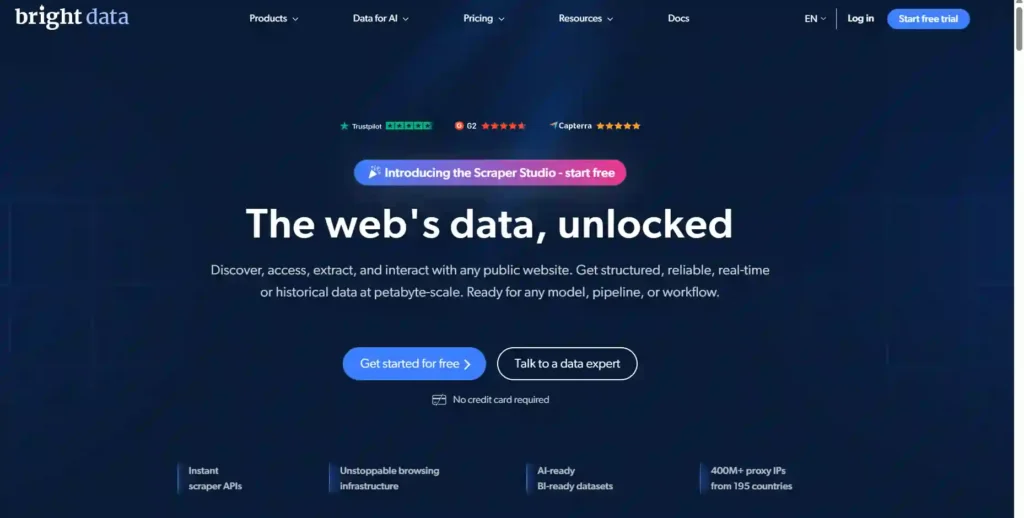
Bright Data operates the largest proxy network in this category, and SOCKS5 access runs across all three of its IP layers rather than one product tier.
The residential pool holds 400M+ addresses spread over 195 countries, with targeting that reaches city, carrier and ASN level. The ISP and datacenter tiers each carry 1.3M+ IPs for static, high-throughput sessions.
Control is the real separator. QUIC over UDP is supported, sub-users can be scoped per project, and the open-source Proxy Manager applies routing rules locally instead of pushing everything through a single gateway.
Reliability figures are published rather than implied: 99.99% uptime and a 99.95% success rate, with a free trial that needs no card.
Pros and Cons
Pros:
- 400M+ residential IPs across 195 countries.
- SOCKS5 available on residential, ISP, datacenter.
- City, carrier and ASN targeting included.
- Open-source Proxy Manager for local routing.
Cons:
- Rates sit above most competing providers.
- Dashboard overwhelms first-time proxy buyers.
Pricing: Residential from $2.50/GB under the current 50% promo, down from $5. Datacenter from $0.90/IP, ISP from $1.30/IP.
Best for: Enterprise scraping teams needing deep geo control at scale.
Rating: ★★★★★ 4.8/5
Limitations
- Premium pricing burns small test budgets faster than expected.
- Several advanced features and add-ons cost extra beyond base plans.
Why we picked Bright Data: No other SOCKS5 provider pairs a 400M IP pool with carrier-level targeting, published uptime numbers and a card-free trial.
2. Oxylabs – Best Premium SOCKS5 Proxies for Enterprise Workloads
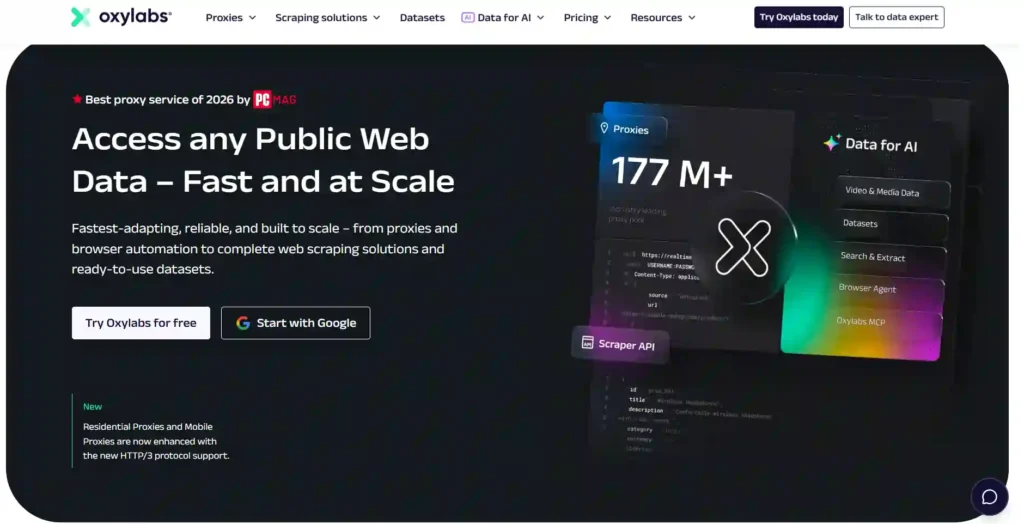
Oxylabs treats SOCKS5 as a standard protocol option instead of a paid extra, and it runs across residential, ISP, datacenter and mobile products alike.
Scale carries the pitch. The residential network holds 175M+ ethically sourced IPs, mobile adds 20M+ addresses from real devices, and the datacenter pool passes 2M+ IPs across 188+ countries.
Speed backs the size. Datacenter response times average 0.25 seconds, the wider network reports sub-second averages, and public data retrieval succeeds on 99%+ of requests.
Compliance is where it pulls ahead of cheaper rivals. Proxy solutions carry ISO/IEC 27001:2022 certification, a published KYC policy, and Technology E&O plus cyber insurance across every product.
Pros and Cons
Pros:
- 175M+ residential IPs across 188+ countries.
- SOCKS5 supported on every proxy product.
- Five free datacenter IPs for testing.
- ISO 27001 certified with documented KYC.
Cons:
- Entry pricing favors business-scale volume commitments.
- Mobile traffic costs more than rivals.
Pricing: Residential from $2.50/GB, datacenter $0.70/IP with five free IPs, ISP $1.20/IP, dedicated ISP $2.50/IP, mobile $3.50/GB.
Best for: Enterprise data teams running sustained, high-volume scraping operations.
Rating: ★★★★★ 4.7/5
Limitations
- Small buyers pay more per gigabyte than budget providers charge.
- Product range takes time to navigate before the right fit appears.
Why we picked Oxylabs: Few SOCKS5 networks pair 188 country coverage and sub-second response times with security certifications that survive an actual procurement review.
3. Webshare – Self-Service SOCKS5 Proxies With a Free Starter Tier
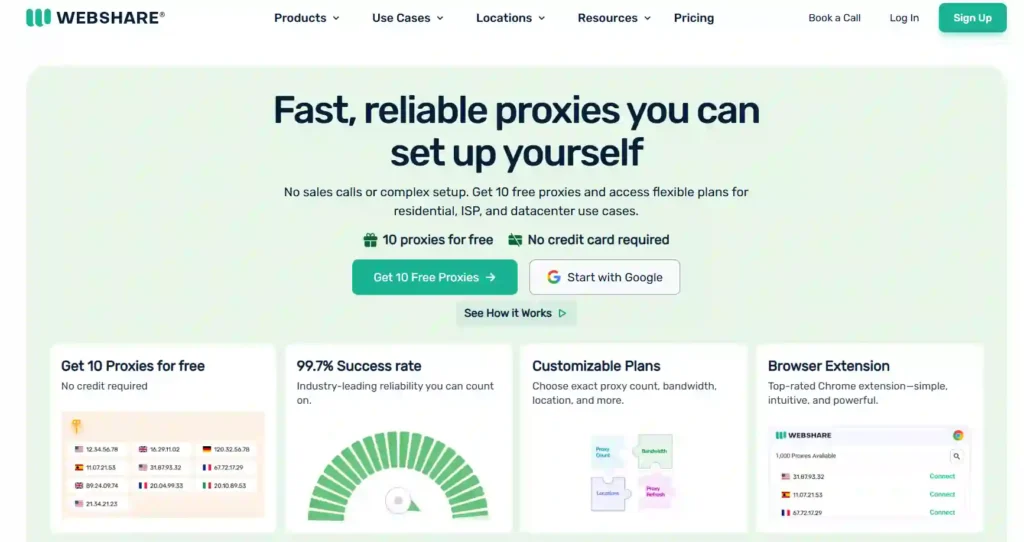
Webshare is the rare SOCKS5 provider that lets a buyer test the network before paying anything. Ten proxies come free, permanently, with no card on file.
Every endpoint speaks both HTTP and SOCKS5, so switching protocol is a dashboard toggle instead of a separate purchase. The datacenter tier runs 400K+ IPs at 99.97% uptime across 50+ countries on a 100+ Gbps aggregate network.
Rotating residential opens up 80M+ IPs in 195 countries, filterable by state, city, ZIP and ASN. Static residential pulls from Comcast and AT&T ranges for sessions that need to stay put.
Volume pricing scales hard: per-proxy cost falls 40% at the top tier.
Pros and Cons
Pros:
- Ten free proxies, permanent, no card.
- HTTP and SOCKS5 on every endpoint.
- 80M+ residential IPs across 195 countries.
- Volume discounts reach 40% off.
Cons:
- No UDP relay on any product.
- Useful upgrades priced as paid add-ons.
Pricing: Datacenter from $2.99/month for 100 proxies, rotating residential from $3.50/month, static residential from $6.00/month, free tier permanently free.
Best for: Developers and lean teams needing cheap, configurable SOCKS5 access.
Rating: ★★★★☆ 4.5/5
Limitations
- No UDP support rules out torrenting, gaming and VoIP.
- Datacenter locations trail providers advertising 190-plus country lists.
Why we picked Webshare: No other provider hands over ten working SOCKS5 proxies for free, then prices everything above that against exact proxy count.
4. IPRoyal – Cheapest Pay-As-You-Go SOCKS5 Proxies
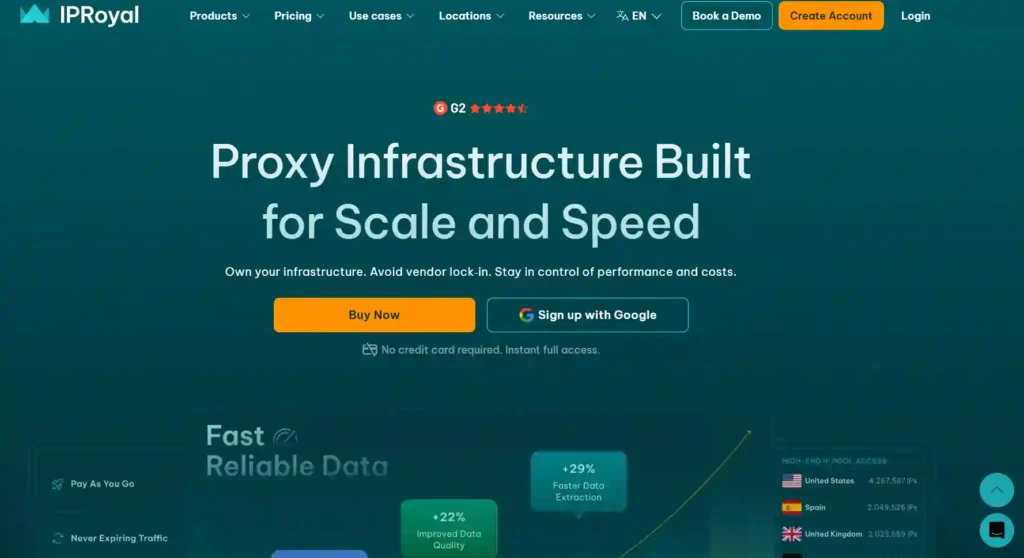
IPRoyal built its reputation on one detail most providers quietly avoid: residential traffic that never expires. Unused gigabytes carry forward instead of resetting when the billing cycle turns over.
SOCKS5 runs across the full lineup. The residential pool holds 64M+ IPs with city and state targeting, ISP adds 500K+ static addresses, and datacenter spans 60+ locations with unlimited bandwidth.
UDP is the caveat worth reading twice. It relays on datacenter and ISP products, not on the rotating residential pool.
Free tooling is unusually strong for a budget provider. A proxy tester, WebRTC leak test and TCP/IP fingerprint checker sit alongside 650+ documented integrations.
Pros and Cons
Pros:
- Residential traffic never expires between billing cycles.
- 64M+ residential IPs with city targeting.
- Free WebRTC leak and fingerprint testers.
- Datacenter proxies include unlimited bandwidth.
Cons:
- Residential response times lag premium rivals.
- UDP limited to datacenter and ISP.
Pricing: Residential from $1.75/GB, ISP from $1.80/proxy, datacenter from $1.39/proxy, mobile from $117/month, Web Unblocker from $1.00 per thousand requests.
Best for: Budget-conscious scrapers who buy traffic in irregular bursts.
Rating: ★★★★☆ 4.4/5
Limitations
- Rotating residential proxies cannot relay UDP datagrams at all.
- Independent tests place residential success rates below premium competitors.
Why we picked IPRoyal: Non-expiring traffic changes the math for anyone whose scraping volume swings month to month, and SOCKS5 access costs nothing extra.
5. DataImpulse – Low-Cost Rotating SOCKS5 Proxies With UDP on Request
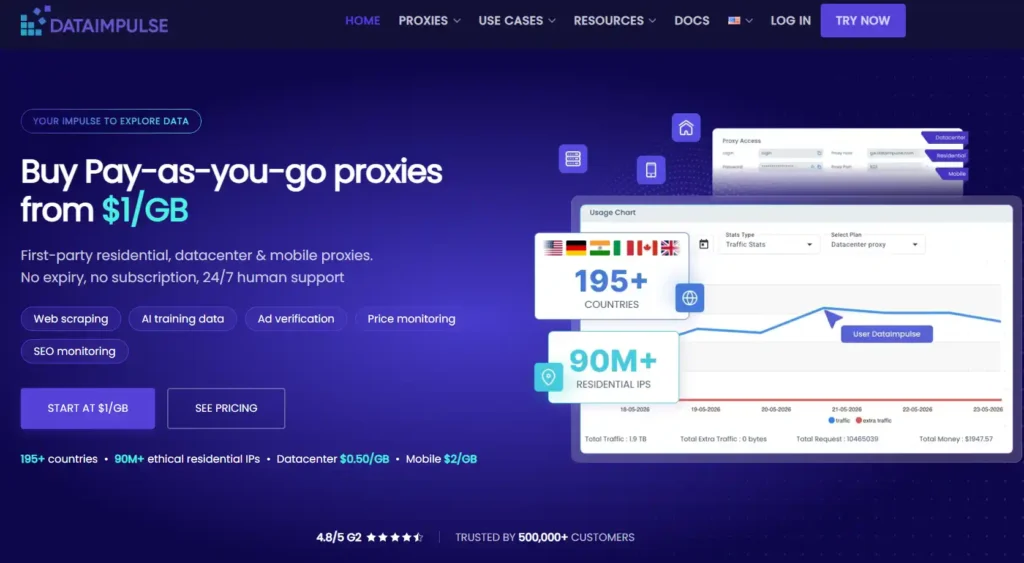
DataImpulse prices residential SOCKS5 access at $1 per GB and removes the subscription entirely. Credit sits on the account until it gets spent, with no monthly reset.
The pool is first-party rather than resold: 90M+ residential IPs across 195+ countries, with country targeting included at no charge. City, state, ZIP and ASN filtering carry a small surcharge.
Protocol coverage runs HTTP, HTTPS and SOCKS5 on every product. Sticky sessions hold a single IP for up to 120 minutes while rotating sessions issue a fresh one per request.
Integration guides already exist for Multilogin, AdsPower, GoLogin, Shadowrocket and Proxifier, which matters more than raw pool size for multi-account work.
Pros and Cons
Pros:
- Residential SOCKS5 traffic from $1/GB.
- First-party pool, no resold third-party IPs.
- Credit never expires, no monthly subscription.
- Antidetect browser integration guides already published.
Cons:
- UDP stays disabled until support enables it.
- Advanced geo targeting carries extra fees.
Pricing: Residential $1/GB, datacenter $0.50/GB, mobile $2/GB, premium residential $5/GB. Volume rate drops to $0.80/GB past 1TB.
Best for: Cost-sensitive teams running multi-account and antidetect browser workflows.
Rating: ★★★★☆ 4.6/5
Limitations
- UDP relay stays off until a support request enables it.
- City, state, ZIP and ASN targeting bill as paid extras.
Why we picked DataImpulse: Nothing else pairs a dollar-per-gigabyte residential rate with a first-party pool and credit that survives a quiet month
6. NodeMaven – SOCKS5 Proxies With Real-Time IP Quality Filtering
NodeMaven inverts the standard proxy pitch. Rather than advertising the biggest pool available, it screens addresses in real time and assigns only the ones that pass.
That filter is the actual product. Around 95% of assigned IPs come back clean, verified fraud risk sits under 5 out of 100, and live success rates hold near 99.5%.
The network is smaller by design: 30M+ residential IPs across 195+ locations, plus a mobile pool running on 5G and LTE carriers. ZIP-level targeting covers 150+ locations.
Two details matter for long sessions. Sticky IPs hold for up to 24 hours, and unused traffic rolls over instead of expiring at cycle end.
Pros and Cons
Pros:
- IPs screened in real time before assignment.
- Sticky SOCKS5 sessions hold 24 hours.
- Unused traffic rolls over each cycle.
- Free WebRTC and DNS leak testers.
Cons:
- Smaller pool than enterprise-scale networks.
- No datacenter proxy tier offered.
Pricing: Residential and mobile from $2.20/GB, ISP from $2.99/IP. The 20GB monthly plan runs $75 at $3.75/GB with cashback.
Best for: Multi-account operators who need clean IPs over raw volume.
Rating: ★★★★☆ 4.6/5
Limitations
- No datacenter tier for cheap, high-volume monitoring jobs.
- Per-gigabyte rates run above the cheapest pay-as-you-go providers.
Why we picked NodeMaven: Quality filtering does more for account survival than pool size, and the 24-hour sticky window matches how real login sessions behave.
7. Proxy-Cheap
Proxy-Cheap is one of the few providers that states UDP support outright instead of hiding it behind a support ticket. Its SOCKS5 endpoints carry TCP and UDP alike.
The catalog runs wider than the name suggests: 155M+ IPs across 180+ countries, split across rotating residential, static residential, ISP, datacenter and mobile, with IPv6 variants on several tiers.
Testing costs close to nothing. A seven-day ISP trial runs $1.99 and still includes unlimited bandwidth, 100+ threads and a dedicated IP.
Everything sells pay-as-you-go with no monthly commitment. Crypto payments work, and country plus ISP-level targeting comes included rather than billed as an upgrade.
Pros and Cons
Pros:
- SOCKS5 endpoints relay both TCP and UDP.
- 155M+ IPs across 180+ countries.
- Seven-day ISP trial costs $1.99.
- IPv6 options on residential and datacenter.
Cons:
- Geo targeting stops at country and ISP.
- Mobile pool limited to 47 locations.
Pricing: Rotating residential from $0.78/GB, static residential $2.44/month, datacenter IPv4 $1.49, datacenter IPv6 $0.15, static mobile $6.00 per proxy.
Best for: Buyers needing UDP-capable SOCKS5 without a monthly commitment.
Rating: ★★★★☆ 4.5/5
Limitations
- No city, ZIP or ASN targeting on residential plans.
- Headline discounted rates depend on longer billing terms.
Why we picked Proxy-Cheap: Full UDP relay plus a two-dollar trial makes this the cheapest honest way to test SOCKS5 before committing real spend.
8. Decodo
Decodo, the provider formerly trading as Smartproxy, has held Proxyway’s Best Value award five years running, and its SOCKS5 lineup shows where that came from.
The protocol runs across residential, static residential, mobile and datacenter products, with UDP proxies offered as a documented feature instead of a support-ticket favor. The pool covers 125M+ IPs in 195+ locations, filterable by country, state, city and ASN.
Speed holds under load. Average response lands under 0.2 seconds on 99.99% uptime, which beats several providers charging twice the rate.
Entry pricing separates it from the enterprise names. Residential opens at $2/GB, datacenter at two cents per IP, with a 14-day money-back window.
Pros and Cons
Pros:
- 125M+ IPs across 195+ locations.
- SOCKS5 and UDP on multiple products.
- Sub-0.2 second average response time.
- Free proxy checker and browser extensions.
Cons:
- Product catalog takes time to learn.
- Cheapest rates need larger traffic commitments.
Pricing: Residential from $2/GB, static residential $0.27/IP, mobile $2.25/GB, datacenter $0.020/IP, Site Unblocker $0.95 per thousand requests.
Best for: Teams wanting premium SOCKS5 performance at mid-tier pricing.
Rating: ★★★★★ 4.8/5
Limitations
- Catalog sprawls well beyond what single-use buyers actually need.
- Lowest per-gigabyte rates require larger upfront traffic purchases.
Why we picked Decodo: Five straight Best Value wins are not marketing noise, and sub-0.2 second responses at $2/GB stays hard to beat.
SOCKS5 Proxies Explained: Protocol, Not Proxy Type
The most common mistake in this category is treating SOCKS5 as a kind of proxy, alongside residential or datacenter. It sits on a different axis. Residential and datacenter describe where an IP comes from. SOCKS5 describes how a client talks to the proxy server that holds it.
A residential IP can be reached over HTTP or SOCKS5. The address is identical either way. What changes is what the proxy is willing to carry.
How SOCKS5 Proxies Move TCP and UDP Traffic
SOCKS5 is defined in RFC 1928. The client opens a TCP connection to the proxy, negotiates an authentication method, then sends a request containing a command, an address type, and a destination.
Three commands exist. CONNECT opens a standard TCP tunnel. BIND accepts an inbound connection, used by older FTP clients. UDP ASSOCIATE tells the proxy to allocate a relay port for datagrams.
After the handshake, the proxy stops interpreting anything. Bytes go in, bytes come out. An HTTP proxy reads request lines, can rewrite headers, and often injects its own. SOCKS5 has no view into the payload at all, which is why it carries SSH, SMTP, WebSocket, RDP and game traffic without special handling.
Address types matter more than most guides admit. SOCKS5 supports IPv4, IPv6, and a domain name field. When a client sends the hostname rather than a resolved address, DNS resolution happens at the proxy, on the exit IP. That single detail closes the most common leak in proxy setups.
Where SOCKS5 Proxies Sit in the OSI Model
SOCKS5 operates at the session layer, Layer 5. It negotiates and maintains the connection, then hands raw transport data through untouched.
HTTP proxies live at Layer 7, the application layer. They parse the protocol they forward, which is what allows caching, header rewriting, and content filtering, and also what makes them useless for anything that is not a web request.
The practical consequence is fingerprint surface. A Layer 7 proxy has a header set of its own. Via, X-Forwarded-For and Forwarded headers appear unless the operator strips them, and many cheap providers do not. A SOCKS5 gateway adds no headers because it never builds a request.
SOCKS4 vs SOCKS5 Proxies: IPv6, Auth and UDP ASSOCIATE
| Capability | SOCKS4 | SOCKS4a | SOCKS5 |
| TCP relay | Yes | Yes | Yes |
| UDP relay | No | No | Yes, via UDP ASSOCIATE |
| IPv6 destinations | No | No | Yes |
| Remote DNS resolution | No | Yes | Yes |
| Authentication | Userid string only | Userid string only | None, username and password (RFC 1929), or GSSAPI |
SOCKS4 predates most of what modern proxy work requires. It resolves DNS locally, which means the real DNS resolver sees every hostname, and it has no usable authentication, so access control falls back to IP whitelisting alone.
Providers still occasionally list SOCKS4 support. There is no scenario in current automation work where it beats SOCKS5.
SOCKS5 Proxies vs HTTP Proxies: Which Layer Fits the Job
Both forward traffic through an intermediate address. The difference is how much the intermediate understands about what it is forwarding, and that determines which tools can use it.
SOCKS5 Proxies vs HTTP Proxies Comparison Table
| Factor | SOCKS5 proxy | HTTP(S) proxy |
| OSI layer | Session (L5) | Application (L7) |
| Traffic carried | Any TCP stream, plus UDP where supported | HTTP and HTTPS requests |
| Header handling | None added, payload untouched | Can add Via, X-Forwarded-For, Forwarded |
| DNS resolution | Remote, at the exit IP | Remote for CONNECT, varies otherwise |
| Encryption | None built in, relies on TLS above it | None built in for HTTP, TLS passes through CONNECT |
| Caching and filtering | Not possible | Supported |
| Typical clients | Torrent clients, game launchers, SSH, antidetect browsers, Telegram | Browsers, requests and httpx, curl, scraping APIs |
| Setup friction | Higher, some libraries need extra dependencies | Lower, supported almost everywhere by default |
When SOCKS5 Proxies Beat HTTP and When They Don’t
SOCKS5 wins whenever the traffic is not a web request. Torrent clients, VoIP, RDP sessions, SSH tunnels, game clients and desktop messaging apps have no HTTP proxy path at all.
It also wins in antidetect browser work. Multilogin, AdsPower, GoLogin and Dolphin all accept SOCKS5, and the absence of proxy headers means one fewer signal for a fingerprinting script to read.
HTTP proxies win on plain scraping economics. Most scraping frameworks assume HTTP by default, provider tooling is built around it, and a rotating HTTP endpoint costs the same traffic for less configuration work. Header injection is only a risk with careless providers, and any serious network strips those headers already.
The honest position: for browsing and standard scraping, either protocol works and the provider matters far more than the choice. For anything carrying UDP or a non-web protocol, SOCKS5 is the only option on the table.
SOCKS5 Proxies vs VPN: Speed, Encryption and Leak Risk
These get compared constantly, and the comparison is usually framed wrong. A VPN is a privacy product. A SOCKS5 proxy is a routing tool. They overlap in one visible outcome, a different exit IP, and diverge everywhere else.
Encryption. SOCKS5 has none. RFC 1928 defines authentication, not confidentiality. Traffic through a SOCKS5 gateway is protected only by whatever the application already applies, which for HTTPS means TLS and for a plain FTP transfer means nothing. A VPN wraps the entire link in its own tunnel, typically WireGuard or OpenVPN.
Speed. The absence of encryption is exactly why SOCKS5 tends to be faster. There is no cipher overhead and no MTU reduction from tunnel encapsulation. On short-lived connections the gap is small. On sustained high-concurrency work it compounds.
Scope. A VPN captures traffic at the OS level, so every process on the machine goes through it. SOCKS5 is configured per application, which is the reason it fits multi-account work: ten browser profiles can hold ten different exit IPs at once, something a system-wide tunnel cannot do without ten machines.
Leak risk. Different failure modes for each. A VPN leaks when the tunnel drops without a kill switch, or when IPv6 traffic escapes an IPv4-only tunnel. SOCKS5 leaks when the client resolves DNS locally instead of passing the hostname to the proxy, and when WebRTC exposes the local address in a browser that has not been configured to block it.
IP reputation. This decides more outcomes than either of the above. Commercial VPN exit nodes are datacenter ranges that are heavily flagged, and most anti-bot systems block them on sight. A residential SOCKS5 exit carries an ISP ASN and passes checks a VPN endpoint fails immediately.
| Requirement | Better fit |
| Encrypting traffic on public Wi-Fi | VPN |
| Running 20 browser profiles on separate IPs | SOCKS5 proxies |
| Lowest possible latency for automation | SOCKS5 proxies |
| Passing anti-bot and fraud checks | SOCKS5 proxies on residential or mobile IPs |
| Protecting an entire device with one setting | VPN |
| Routing UDP from a torrent client through a residential IP | SOCKS5 proxies with UDP support |
SOCKS5 Proxy Types Compared: Residential, ISP, Datacenter and Mobile
Once SOCKS5 is understood as a protocol layered onto a network, the real purchase decision becomes the network underneath it. Four types dominate, and pricing models differ enough that a per-GB comparison against a per-IP comparison tells nothing useful.
Residential SOCKS5 proxies route through consumer devices on real ISP connections. IP reputation is the highest of any rotating pool, geo targeting usually reaches city and ASN level, and pools run into the tens of millions. Billed per GB, entry rates across the tested providers land between roughly $1 and $7. Latency is the weak point, since traffic passes through a home device with its own upstream limits. Best fit for rotating scraping, ad verification and geo-sensitive checks.
ISP SOCKS5 proxies, also called static residential, are hosted in a datacenter but registered under an ISP ASN. That combination produces datacenter speed with residential-looking registration. They are static by definition, billed per IP with unlimited bandwidth, and typically cost $1 to $3.50 per address per month. Location coverage is thin at 15 to 30 countries. Best fit for long-lived account sessions and anything that must hold the same exit address for weeks.
Datacenter SOCKS5 proxies come from server ranges with no consumer registration. They are the fastest and cheapest option available, often under $1 per GB or per IP, with sub-second response times as the norm. Anti-bot systems recognise the ASN ranges instantly, so success rates collapse on protected targets. Best fit for unprotected endpoints, internal QA, load testing and high-volume work where blocks are tolerable.
Mobile SOCKS5 proxies exit through 4G and 5G carrier networks. Carrier-grade NAT places thousands of real subscribers behind each address, which makes blocking one IP costly for the target and gives this type the strongest trust score available. It is also the most expensive, commonly $4 to $8 per GB, with the highest latency and the smallest pools. Best fit for the hardest social platforms and any target that has already blocked residential ranges.
| Type | Billing | Typical entry price | Speed | Block resistance | UDP availability |
| Residential | Per GB | $1 to $7 per GB | Moderate | High | Provider dependent, often on request |
| ISP / static residential | Per IP | $1 to $3.50 per IP | High | High | Common |
| Datacenter | Per IP or GB | Under $1 | Highest | Low | Common |
| Mobile | Per GB or per device | $4 to $8 per GB | Lowest | Highest | Less common |
One caveat that cuts across all four: UDP support is decided per product, not per provider. Several networks relay UDP on datacenter and ISP proxies while restricting it on residential, and at least one enables it only after a support request. Verify against the specific product before paying, not against the provider’s protocol list.
SOCKS5 Proxies FAQ
What is a SOCKS5 proxy and how does it work?
SOCKS5 relays raw TCP and UDP traffic through an intermediate IP without reading or rewriting the payload. Defined in RFC 1928, it forwards any application protocol, not just web requests.
Do SOCKS5 proxies encrypt traffic?
No. The protocol handles authentication and routing, never encryption. Security depends entirely on TLS above it, which is why HTTPS matters more when running SOCKS5 proxies.
What is the difference between SOCKS5 and HTTP proxies?
HTTP proxies parse web requests and can inject headers like X-Forwarded-For. SOCKS5 adds no headers and carries torrents, SSH, VoIP and game traffic alongside browsing.
Are SOCKS5 proxies faster than a VPN?
Usually yes. Without encryption overhead or tunnel encapsulation, SOCKS5 proxies cut latency noticeably. VPNs trade that speed for full-device coverage and encrypted transport.
How much do SOCKS5 proxies cost?
Residential SOCKS5 proxies run roughly $0.78 to $2.50 per GB. Static ISP addresses sell per IP from around $0.27, and datacenter IPs go lower still.
Which SOCKS5 proxies support UDP?
Support varies by product, not provider. Proxy-Cheap, Decodo and Bright Data relay UDP directly, IPRoyal limits it to datacenter and ISP, DataImpulse enables it on request.
Are free SOCKS5 proxy lists safe to use?
Rarely. Shared free endpoints throttle badly, block common ports, skip UDP entirely, and leave logging entirely to an operator nobody can identify. Paid trials cost less overall.
Final Word on the Best SOCKS5 Proxies
Three things decide this purchase, and none of them appear on a pricing page. Whether UDP actually relays. Whether the pool is first-party or resold. Whether sticky sessions survive long enough to finish a login flow.
Match the network to the workload instead of chasing the biggest advertised pool. A cheap datacenter IP wins on unprotected targets and loses everywhere else.
Most of these SOCKS5 proxies ship a trial or a money-back window. Buy the smallest tier, run traffic through it for a week, then scale what holds.
.
3 thoughts on “8 Best SOCKS5 Proxies 2026: Tested, Ranked & Compared”